Module 1 now live
2,400+ engineers enrolled

From docker run to production cluster. One clear path.

A hands-on course for backend engineers tired of “it works on my machine.” You'll containerize, orchestrate, and ship production workloads — starting from a bare Dockerfile, ending with a multi-node Kubernetes cluster under real traffic.


Student avatar showing young Asian man
Student avatar showing South Asian woman
Student avatar showing Latin American man
Student avatar showing Nigerian woman

2,400+ engineers shipped their first cluster

container_app:v2.1k8s-clusterdocker.io
kubectl
running
$
cluster health

100%

3/3 nodes ready

01
Phase 1 — Containers

Your first Dockerfile. It actually makes sense.

You write a working Dockerfile from scratch. Learn the layer cache, EXPOSE, multi-stage builds, and why .dockerignore saves your sanity. By the end you run your app in a container that behaves identically in every environment.

  • FROM, RUN, COPY, CMD — demystified
  • Multi-stage builds that cut image size by 80%
  • Layer caching strategy for fast rebuilds
  • Publishing to Docker Hub and GHCR
Start this module free
helm — phase 1 — containers
running
$
02
Phase 2 — Compose

Multi-service stacks, one command.

Real apps need a database, a cache, maybe a queue. Docker Compose wires them together with a single YAML file and a single command. You'll model a production-like stack locally — API, Postgres, Redis — and understand service discovery, volumes, and health checks.

  • Service dependencies and health checks
  • Named volumes for persistent data
  • Environment variable management
  • Compose profiles for dev vs. prod
Start this module free
Server rack with blinking lights representing a multi-service stack

$ docker compose up -d

✓ 3 containers started

03
Phase 3 — Kubernetes Core

Pods, Services, and the control plane explained.

The moment where K8s clicks. You'll run a local cluster with kind, understand the API server, etcd, scheduler, and kubelet — then deploy your containerized app as a Pod, expose it via a Service, and watch Kubernetes restart it when it crashes.

  • Cluster architecture without the handwaving
  • Deployments, ReplicaSets, and self-healing
  • ClusterIP, NodePort, and LoadBalancer services
  • ConfigMaps and Secrets done right
Start this module free
helm — phase 3 — kubernetes core
running
$
04
Phase 4 — Deploy & Scale

Rolling updates, autoscaling, and zero downtime.

Push a new image and watch Kubernetes replace pods one by one — zero downtime. Configure a HorizontalPodAutoscaler to scale under load. Write liveness and readiness probes so bad deploys never reach users. This is production-grade.

  • Rolling updates and rollback strategies
  • HPA with CPU and custom metrics
  • Liveness, readiness, and startup probes
  • Resource requests, limits, and QoS classes
Start this module free
Abstract network visualization showing scaling nodes and connections

$ kubectl rollout status deployment/api

✓ deployment "api" successfully rolled out

05
Phase 5 — Observability & Helm

Know what's happening inside your cluster.

Install Prometheus and Grafana with a single Helm chart. Write your first Helm chart to package your own app. Set up structured logging with Loki. By graduation you're reading real dashboards, setting alerts, and shipping your app as a reusable chart.

  • Helm charts: templating and values files
  • Prometheus + Grafana in 5 minutes
  • Distributed tracing with OpenTelemetry
  • Alert rules and on-call runbooks
Start this module free
helm — phase 5 — observability & helm
running
$

You've seen the depth

Ready to run your first cluster?

Module One is completely free. No credit card, no time limit. Just you, a terminal, and a cluster that actually runs.

Start Module One Free
from the community

What students shipped after graduating

Real engineers. Real clusters. Real results.

I went from googling 'what is a pod' to deploying a 3-replica API with autoscaling in three weeks. The terminal-first approach is exactly how I learn.

Young Asian man with glasses smiling at camera

Marcus Chen

@mchen_dev

Backend Engineer, Fintech startup

My manager handed me a kubectl login on a Monday. By Friday I actually understood what was running. Helm finally made the control plane click.

South Asian woman with dark hair smiling confidently

Priya Nair

@priya_k8s

Junior DevOps Engineer

Deployed my side project to a real cluster without asking anyone for help. The Compose-to-K8s migration module is worth the whole course.

Latin American man with short hair looking at camera

Tomás Herrera

@tomash_ships

Indie developer, Buenos Aires

The late-night hackathon vibe is real. It's the first course where I actually stayed up to finish modules because I wanted to, not because I had to.

Nigerian woman with natural hair smiling warmly

Aisha Okonkwo

@aisha_builds

Full-stack Engineer, Lagos

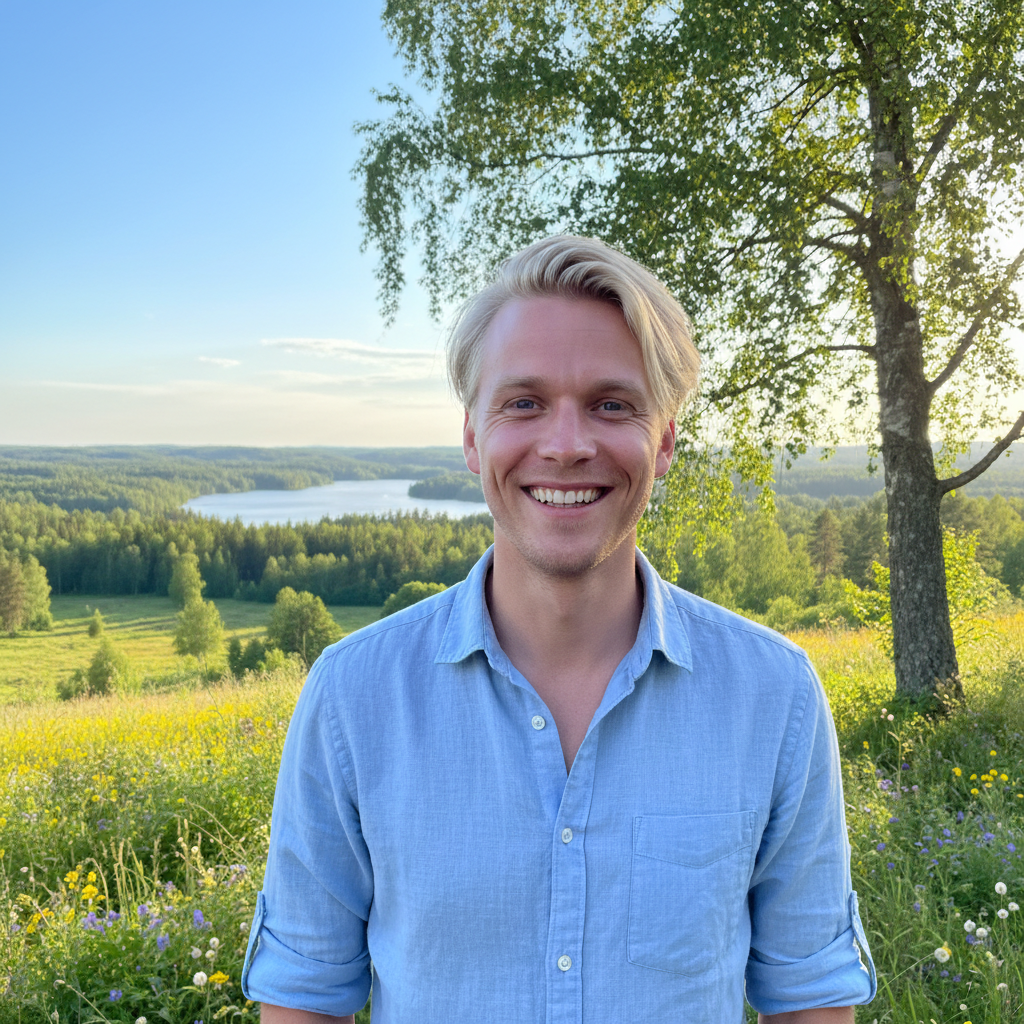
Writing my first Helm chart felt like learning to read. Suddenly the community charts I'd been cargo-culting made total sense.

Swedish man with light hair smiling outdoors

Sven Larsson

@sven_infra

Platform Engineer, Stockholm

The Prometheus + Grafana module paid for itself in 20 minutes. Found a memory leak in prod that had been costing us $400/month.

Korean American woman with glasses looking at laptop

Rachel Kim

@rkim_sre

SRE, E-commerce platform

2,400+

Engineers enrolled

94%

Complete all 5 phases

3 weeks

Avg. time to first cluster

4.9 / 5

Average rating

live lab environment

Feel the cluster before you commit an email.

Every module includes a browser-based lab environment — a real Kubernetes cluster running in your browser. No local setup, no cloud account. Just a terminal and a cluster that's already running.

  • Multi-node kind cluster pre-provisioned
  • Your code deployed, not just described
  • kubectl, helm, and k9s all available
  • Resets between sessions — no broken state
helm-lab — bash
cluster: helm-local
nodes: 3 readypods: 0/3 running
k8s v1.29.0
no credit card required

Start Module One. Free.

Your first Dockerfile to a running container in under an hour. No setup required — the lab environment is ready when you are.

helm — enroll

No credit card · Cancel anytime · Lab ready in 30 seconds

SOC 2 Ready
GDPR Compliant
No spam, ever